Monday, May 21, 2018

Confirm your Twitter account, FROZONE


Twitter
 
Final step...
 
Confirm your email address to complete your Twitter account @FROZONE71546915. It's easy — just click the button below.
 
Confirm now


————————————————————————————

Sunday, May 13, 2018

Improvements to our Privacy Policy and Privacy Controls

Google
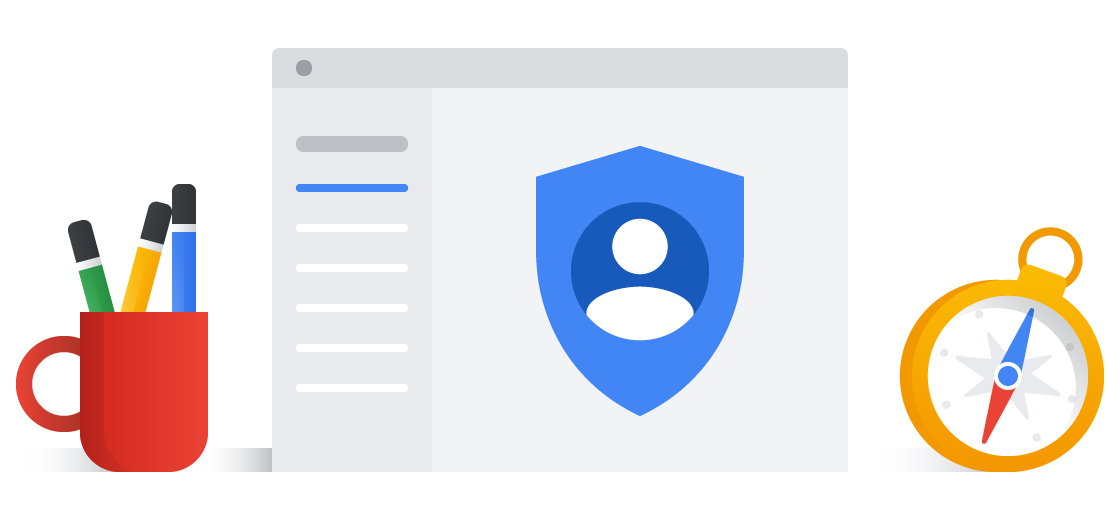
Updating Our Privacy Policy
This month, we're updating our Privacy Policy to make it easier for you to understand what information we collect and why we collect it. We've also taken steps to improve our Privacy Checkup and other controls we provide to safeguard your data and protect your privacy.
Nothing is changing about your current settings or how your information is processed. Rather, we've improved the way we describe our practices and how we explain the options you have to update, manage, export, and delete your data.
We're making these updates as new data protection regulations come into effect in the European Union, and we're taking the opportunity to make improvements for Google users around the world.
Making our Privacy Policy easier to understand
Simpler structure & clearer language
We've improved the navigation and organization of the policy to make it easier to find what you're looking for. We've also explained our practices in more detail and with clearer language.
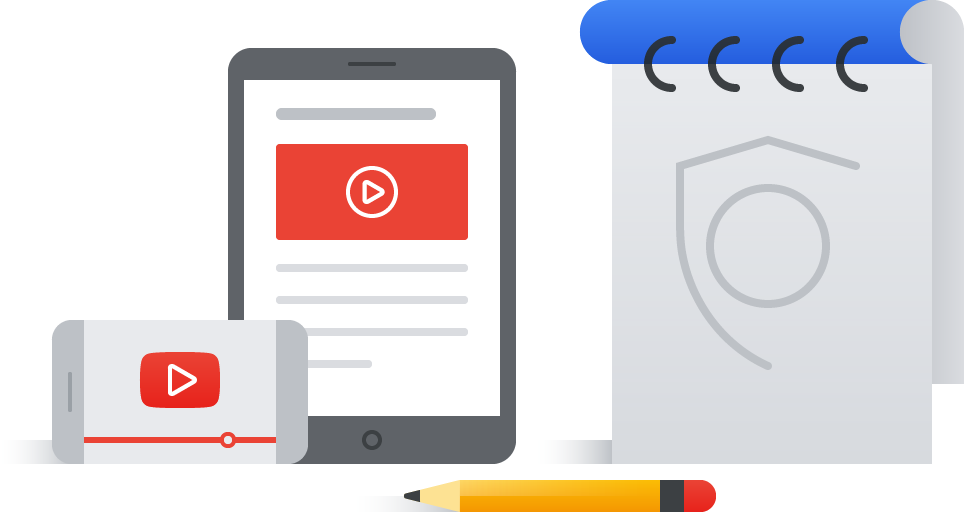
New descriptive videos & illustrations
Often a visual description is easier to understand than text alone, so we've added short videos and illustrations throughout the policy.
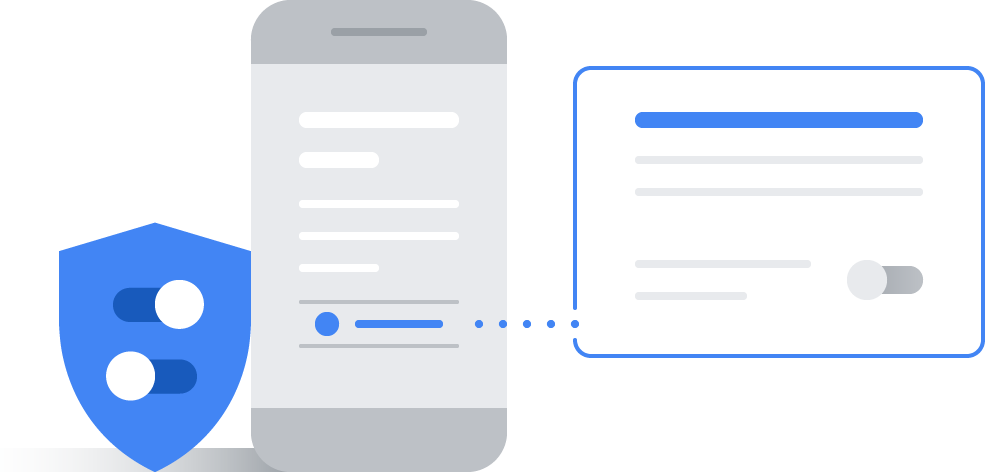
Embedded privacy controls
We've made it easier to jump to key settings directly from the policy, helping you make choices about your privacy.
The revised policy is available here and will take effect on May 25, 2018.
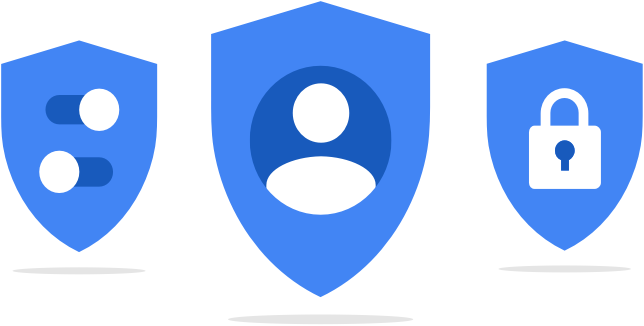
Improving your privacy controls
Within the past year, we updated My Activity so that you can better access and manage the data in your Google Account. We also launched a redesigned Dashboard, which allows you to easily see an overview of products you're using and your data associated with them.
This month, we've updated our Privacy Checkup with new illustrations and examples to help you make more informed choices about your key privacy controls. And since we understand that your preferences may change over time, the new Privacy Checkup enables you to sign up for regular reminders to check your privacy settings.
To learn more about these and other controls to manage your privacy, visit your Google Account.

An update on your account security


Twitter
 
Hi @FROZONE71546915,
 
When you set a password for your Twitter account, we use technology that masks it so no one at the company can see it. We recently identified a bug that stored passwords unmasked in an internal log. We have fixed the bug, and our investigation shows no indication of breach or misuse by anyone.
 
Out of an abundance of caution, we ask that you consider changing your password on all services where you've used this password. You can change your Twitter password anytime by going to the password settings page.
 
About The Bug
 
We mask passwords through a process called hashing using a function known as bcrypt, which replaces the actual password with a random set of numbers and letters that are stored in Twitter's system. This allows our systems to validate your account credentials without revealing your password. This is an industry standard.
 
Due to a bug, passwords were written to an internal log before completing the hashing process. We found this error ourselves, removed the passwords, and are implementing plans to prevent this bug from happening again.
 
Tips on Account Security
 
Again, although we have no reason to believe password information ever left Twitter's systems or was misused by anyone, there are a few steps you can take to help us keep your account safe:
 
1.   Change your password on Twitter and on any other service where you may have used the same password.
2.   Use a strong password that you don't reuse on other services.
3.   Enable login verification, also known as two factor authentication. This is the single best action you can take to increase your account security.
4.   Use a password manager to make sure you're using strong, unique passwords everywhere.
 
We are very sorry this happened. We recognize and appreciate the trust you place in us, and are committed to earning that trust every day.
 
Team Twitter


————————————————————————————